Project management solution with clear roles
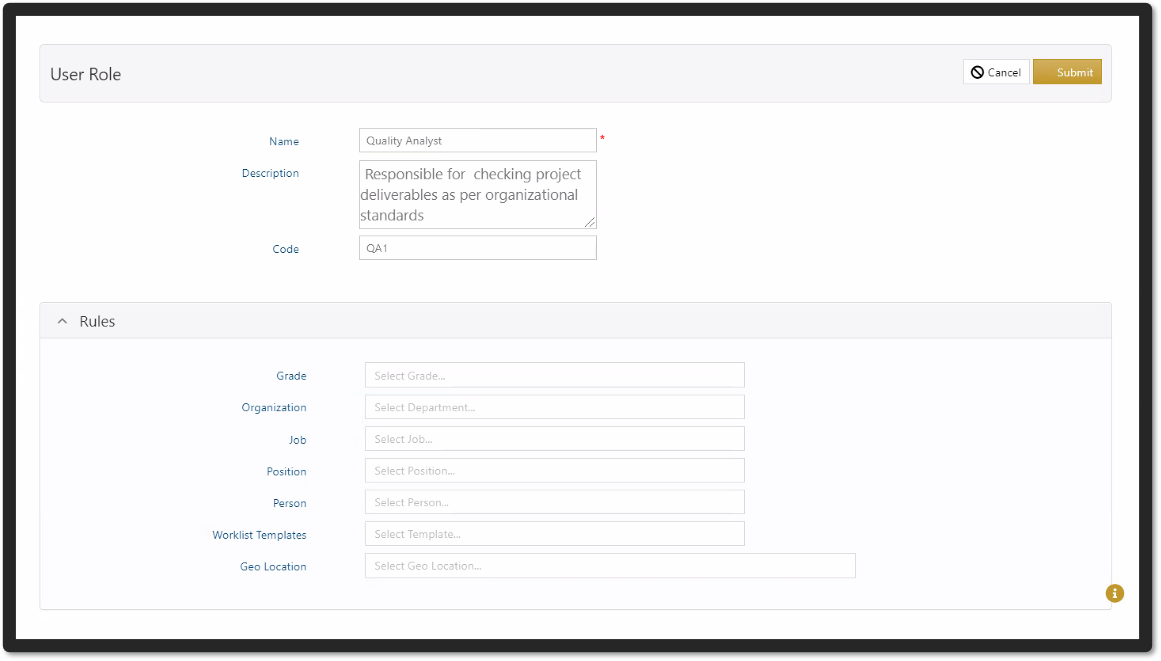
Many different user roles with corresponding responsibilities and permissions can be defined based on project requirements. For instance, project administrator, project manager, team member, quality analyst, department head, and so on. Application and data permissions can be grouped into user roles, which can then be assigned to new users. This facilitates the management of user roles and responsibilities in accordance with the approved project structure. It is possible to assign different roles to the same user in the system for different projects.
Key User Roles
Application and data permissions can be grouped under a user role, then user roles can be assigned to new users. This helps in easily managing roles and responsibilities of users as per approved project structure. It is possible to assign different roles to same user for different projects in the system.
Project Manager
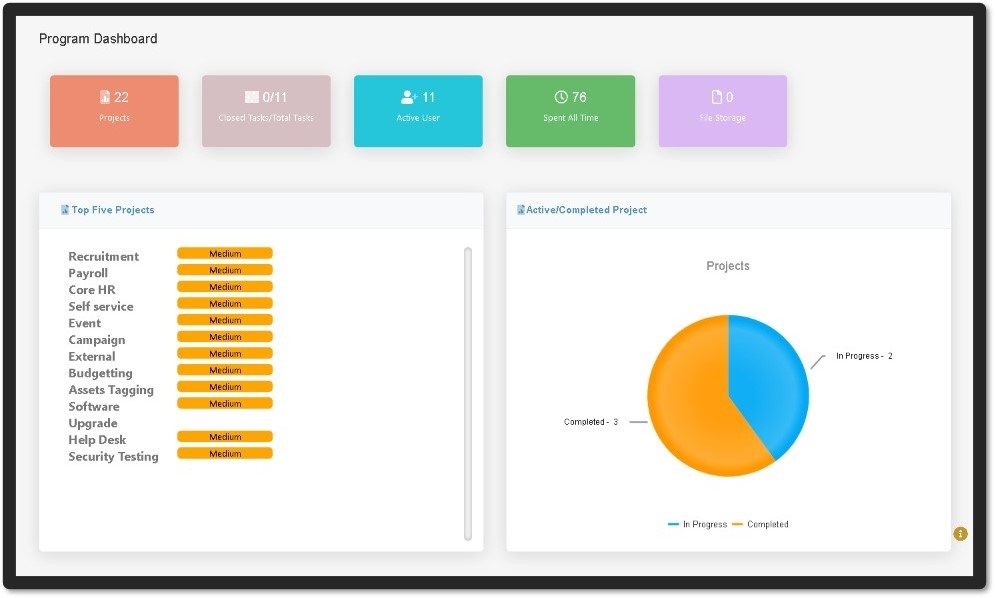
A project manager can oversee all stages of a project's lifecycle, including initiating, planning, executing, monitoring and controlling, and closing.
All project activities, such as planning, creating a work breakdown structure, assigning/following up on tasks to users, sending/receiving emails, monitoring/reporting progress, controlling project risks, and so on, can be managed through the system.
Team Member
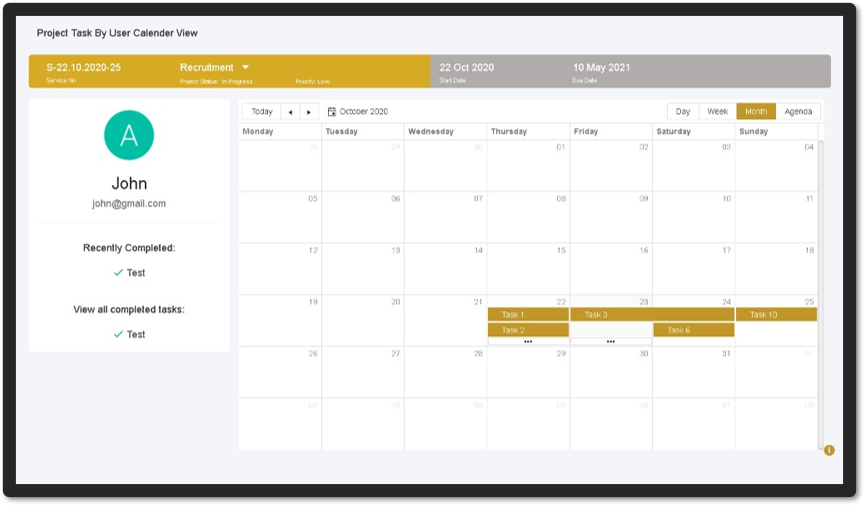
Team members can manage tasks assigned to them using the system's various views. They can also create subtasks and delegate them to colleagues.
Team members can log their time on each task, which can then be used to generate time sheets for billing and tracking. Synergy also has a time and attendance module that can be used independently or in conjunction with existing systems.
They can also raise issues related to the project through the system for resolution.
Project Administrator
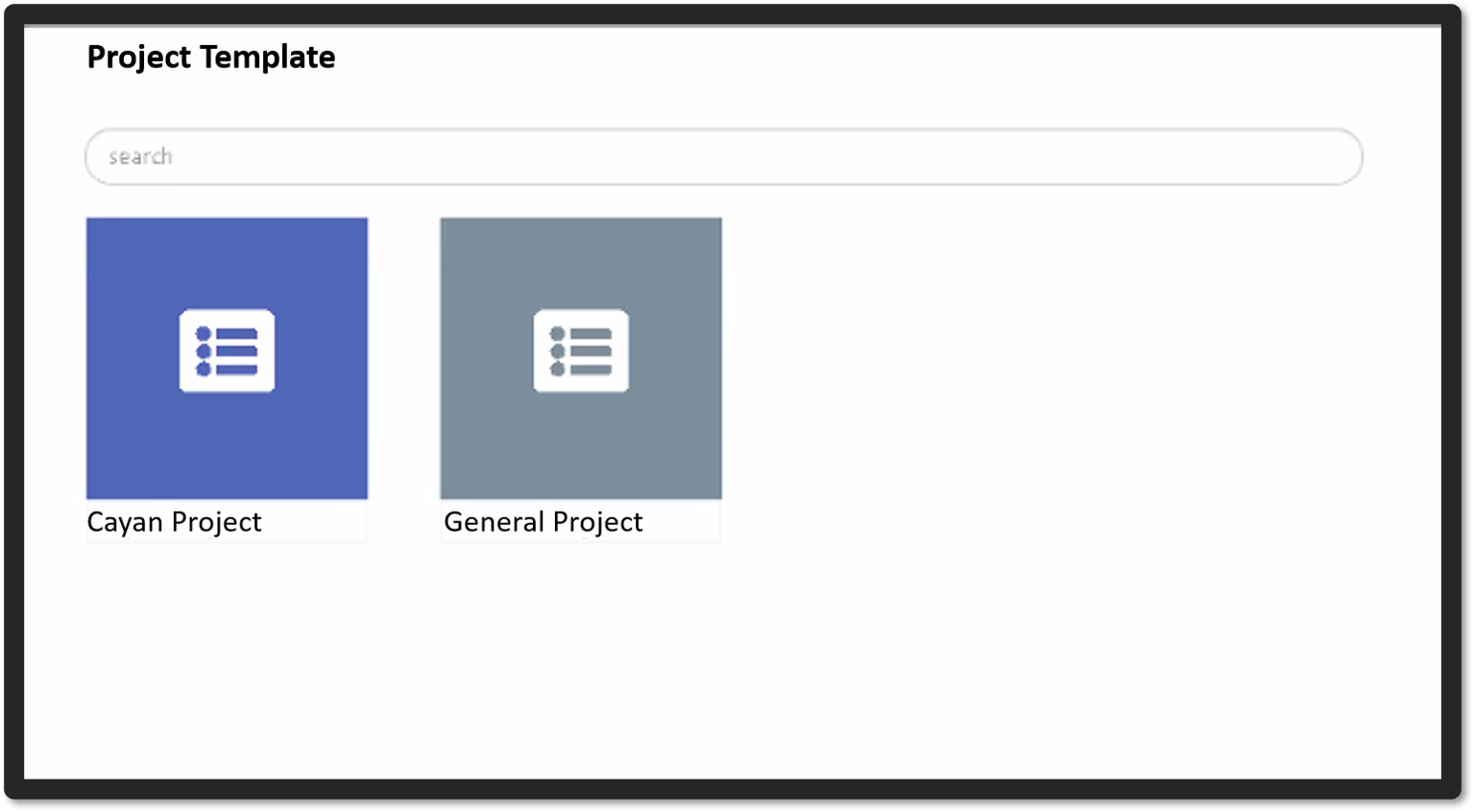
Project managers can create project templates that can be used to start new projects.
They have the ability to create new projects and assign project managers and team members.
Departments, user roles, users, job titles, managers, authorization, approval hierarchies, workflows, task templates, and so on can all be defined.
Other Roles
Many roles, such as client, quality analyst, financial controller, document controller, change approvals, and so on, can be defined based on project requirements.
In the system, user roles can be mapped to project/task templates, allowing them to execute only specific actions based on the user role permissions.
Synergy has cool awesome and numerous features to cater to each user requirements
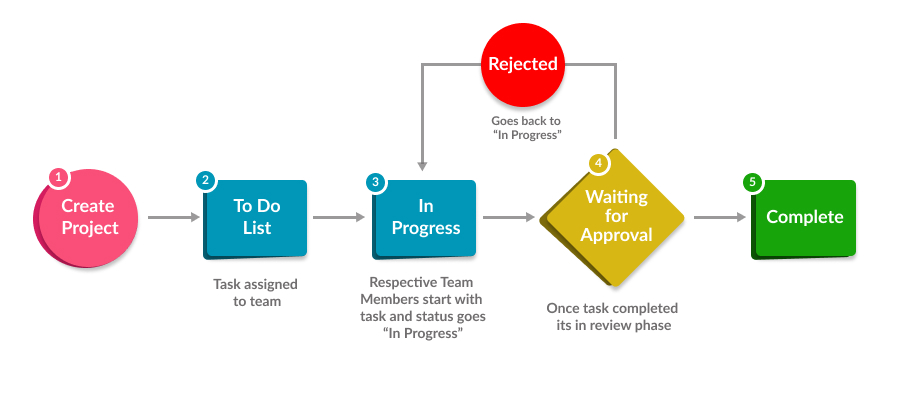
See how Synergy project management workflow works
Workflows define your process and enable your team to track tasks.
Visualize your progress, so you can see exactly what needs to get done and when. Get quick status updates on tasks and milestones, see who’s working on what, and spot potential blockers before they become problems.