The eDMS has two different modules of operation

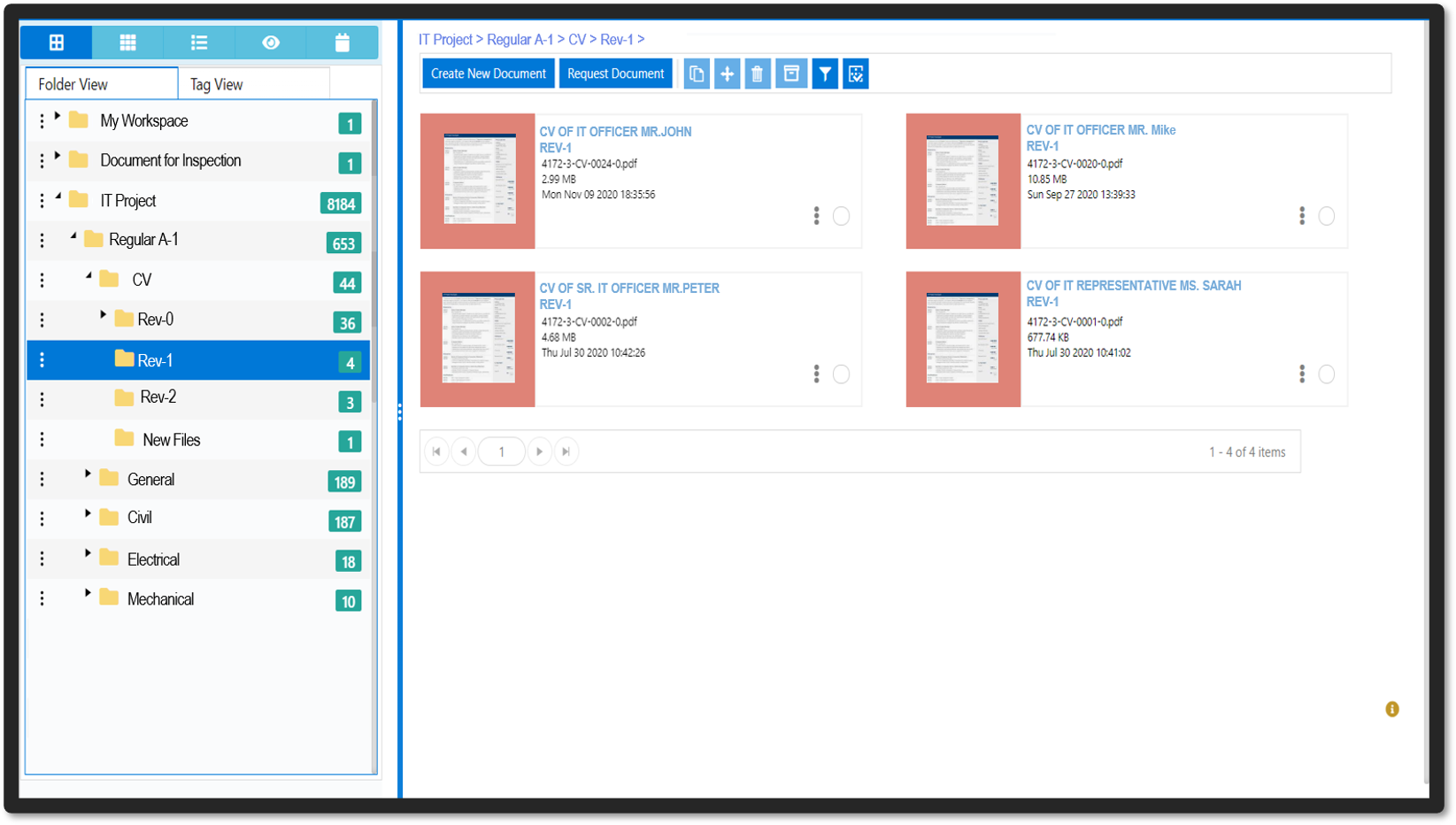
Administration Module
User Management
This module is used for creating, updating, and deleting users.
Folder Management
This module is used for managing folders and subfolders. Authorized users can create, update, and delete folders and subfolders.
AccessManagement This module is handy for giving different users distinct responsibilities and access privileges to different folders. This feature protects the programme from illegal access, ensuring that documents are kept securely.
Departments and Work Area management
This module comes in handy when it comes to defining a user's work area. Authorized users can create, update, and delete records here.
Client Module
Document Archival It provides a central repository for archiving large volumes of documents that may be shared and accessed by numerous individuals, locations, or the entire company. Rights-based archiving is used to archive various document formats and information.
Document Management It offers basic library services such as check-in and check-out.
Documents Versioning It keeps track of several versions of the document.
Retention Policy Retention Policy Administrator can set retention policies for individual users and departments.
Documents Scanning and OCR It scans the document and then uses the built-in powerful OCR engine to do dynamic OCR.
Workflow Users can establish new workflows, assign users to them, and specify a set of rules for them to follow, as well as manage existing workflow systems. Here on dashboard, each user will get an alert. Email alerts are also provided outside of the DMS.
Documents Indexing & Processing Maker-Checker scenario for document processing with centralised indexing and post branch scanning.
Annotations Users can add annotations (remarks) to existing files, which are only visible to the users who are concerned.
Search Extensive document and folder searches based on date, indexes, and other characteristics, as well as full text searches for picture and electronic documents.
Check-in/Check-out Users can check out required document processing work on the same and then check back in when they are finished. If the user is not accessible to check in the checked-out documents, the administrator can force the same documents to be checked in.
DashBoard Each user has their own dash board. After logging into the DMS system, the user can see his dash board. There is some useful information available, such as a list of checked out papers, recently edited and downloaded documents, a user manual, and so on. This aids in quick decision-making.
eDMS Benefits
Make business judgments that are timely and accurate.
Observe all regulatory requirements
Allows for the creation of comprehensive policies for the storage and retention of content in order to ensure compliance.
Using the built-in retention engine, remove old documents from the DMS, reducing storage and reducing document search time
Reduce redundant document storage across the organisation to save space and money.
Improves client response for the extended company by coordinating content scattered across multiple platforms and information silos.
Reduce redundant document storage across the organisation to save space and money.
With a collaborative framework, you can identify and capitalise on opportunities.
Management of Business Continuity.
Strong administration of roles and rights depending on user types.